
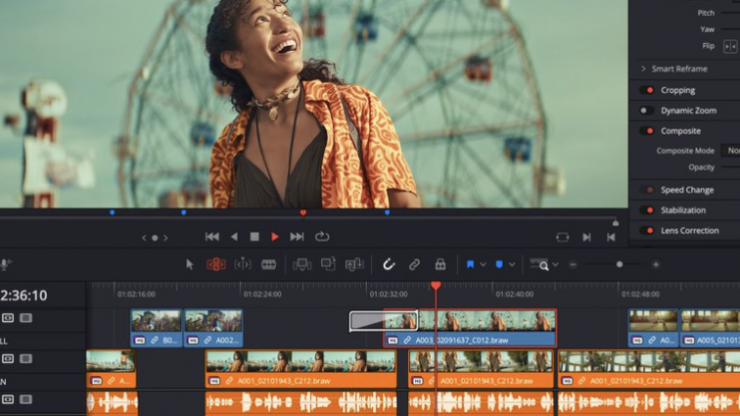
What’s new in DaVinci Resolve 20.3
The following features have been added or updated.
- Up to 32K resolution support with Apple M5 processors.
- Improved performance for Resolve FX Noise Reduction.
- Timeline backups now allow named snapshots for versioning.
- Support for adding metadata fields as media pool bin columns.
- Media Pool metadata ALE import and export support.
- Option to create custom metadata for unknown fields on import.
- Exported metadata files now include custom metadata fields.
- Media pool views and state are now retained for each project.
- Edit menu action to insert gap at playhead.
- New assignable key shortcut in media pool to start a search.
- Assignable key shortcut for open in timeline with source viewer.
- Speed change and duration change actions now follow sync lock.
- Added 2.39 and 2.40 broadcast safe aspect ratios.
- Alpha support for film look creator, film damage and analog damage.
- Support for IMF workflow for HDR Vivid and Audio Vivid.
- Ability to embed HDR10+ metadata in QuickTime and MP4 encodes.
- Ability to set stereoscopic mode in clip attributes for MXF clips.
- Improved match frame behavior for clips with negative speeds.
- Addressed missing clip actions in subtitle caption context menu.
- Addressed intermittent lag when using stacked timelines.
- Addressed source timeline not restored when switching back to edit.
- Addressed issue tracking with high-quality deinterlace in Fusion.
- Addressed issue with immersive world pose if using Fusion tools.
- Addressed issue loading some deep OpenEXR files.
- Addressed decode issues with compressed ARW clips.
- Addressed AI Music Remixer muting audio on macOS 26.1.
- Addressed possible QuickTime decode hang on Windows.
- Addressed Remote Monitor start up issue on Windows.
- General performance and stability improvements.
Note: Starting from DaVinci Resolve 20.3, OpenCL mode for GPU processing is no longer supported on macOS.